Transaction Search
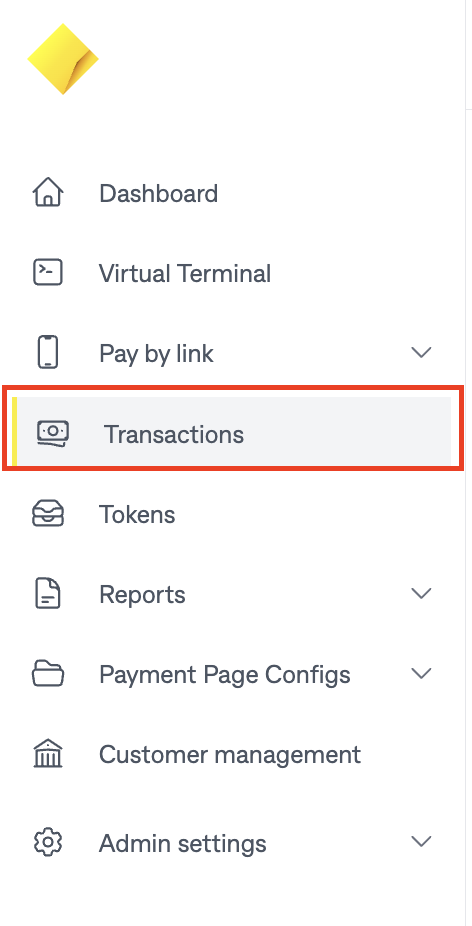
To see a list of transactions, using the Navigation menu click "Transactions".
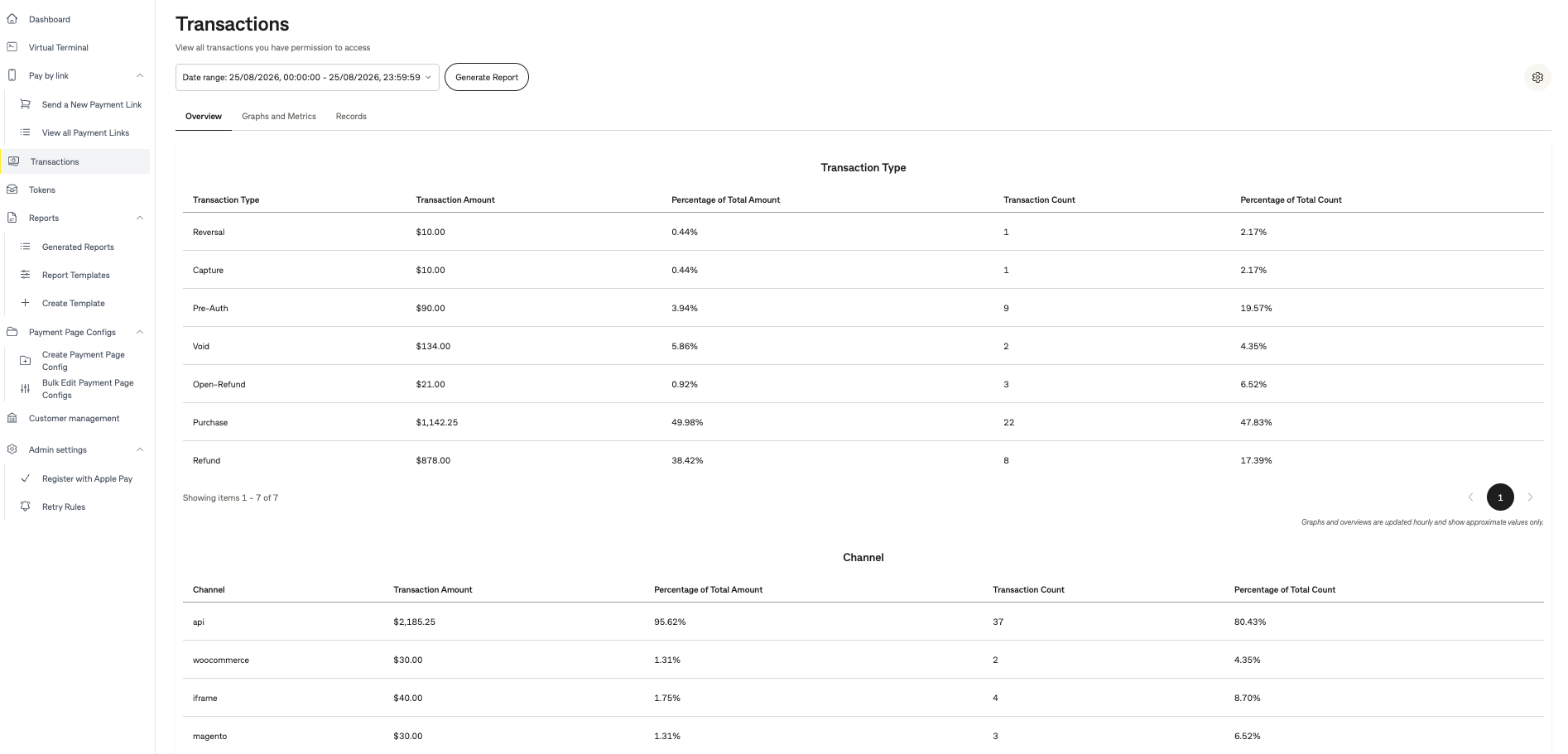
By default the transaction screen will display the Overview tab.
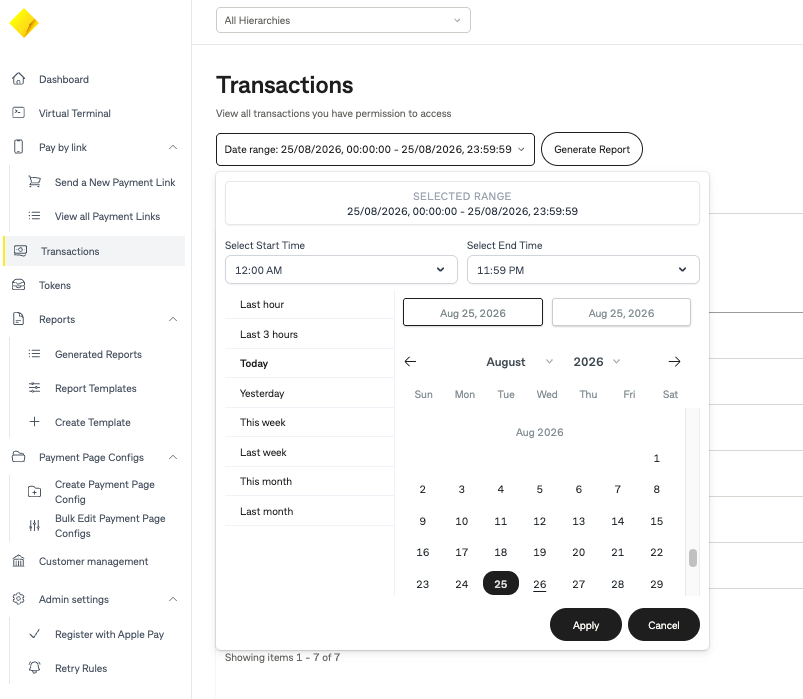
Using the date range to narrow your search criteria. You can use the pre-populated date filter or custom start and end dates.
Click on the "Records" tab to see the list of transactions for the selected date range.
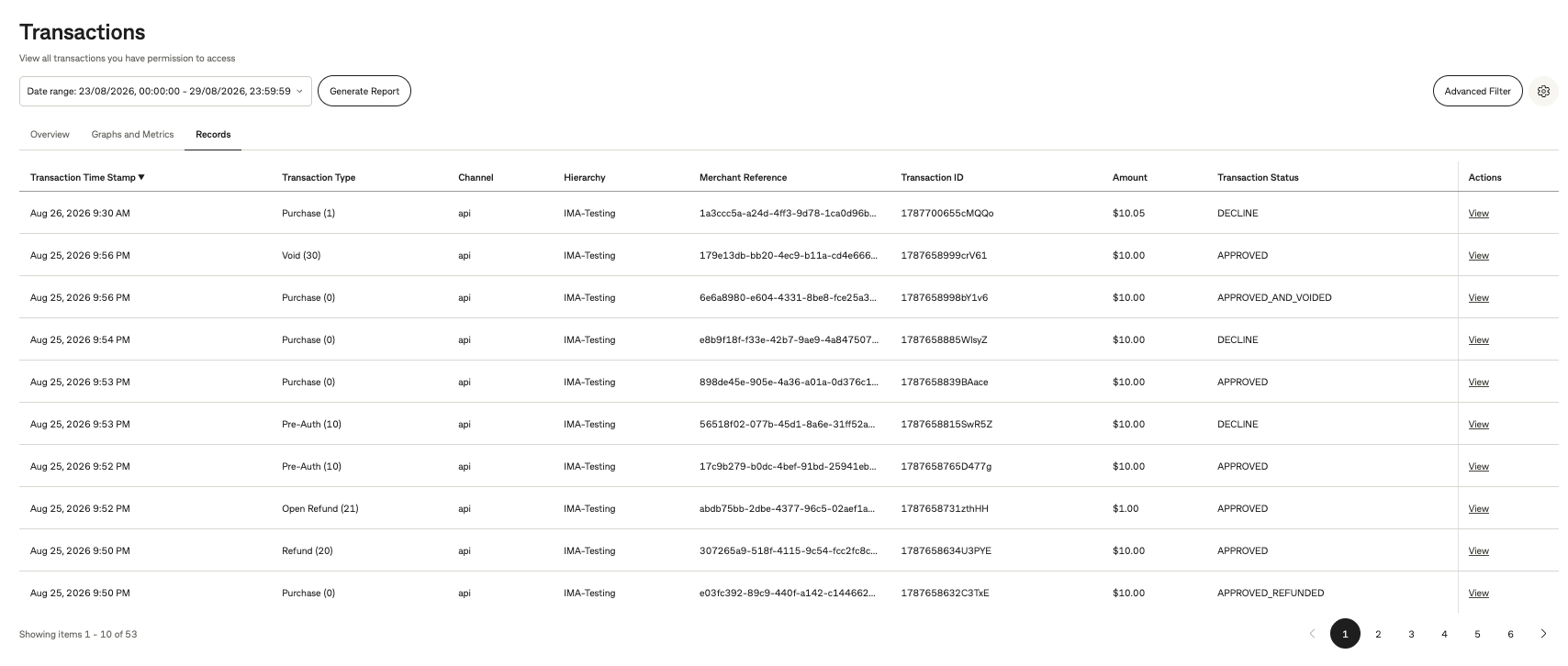
To search for a specific transaction, click "Advanced Filter" in the top right of the page. This allows you to filter transactions by criteria such as merchant reference, transaction status, channel, and more.
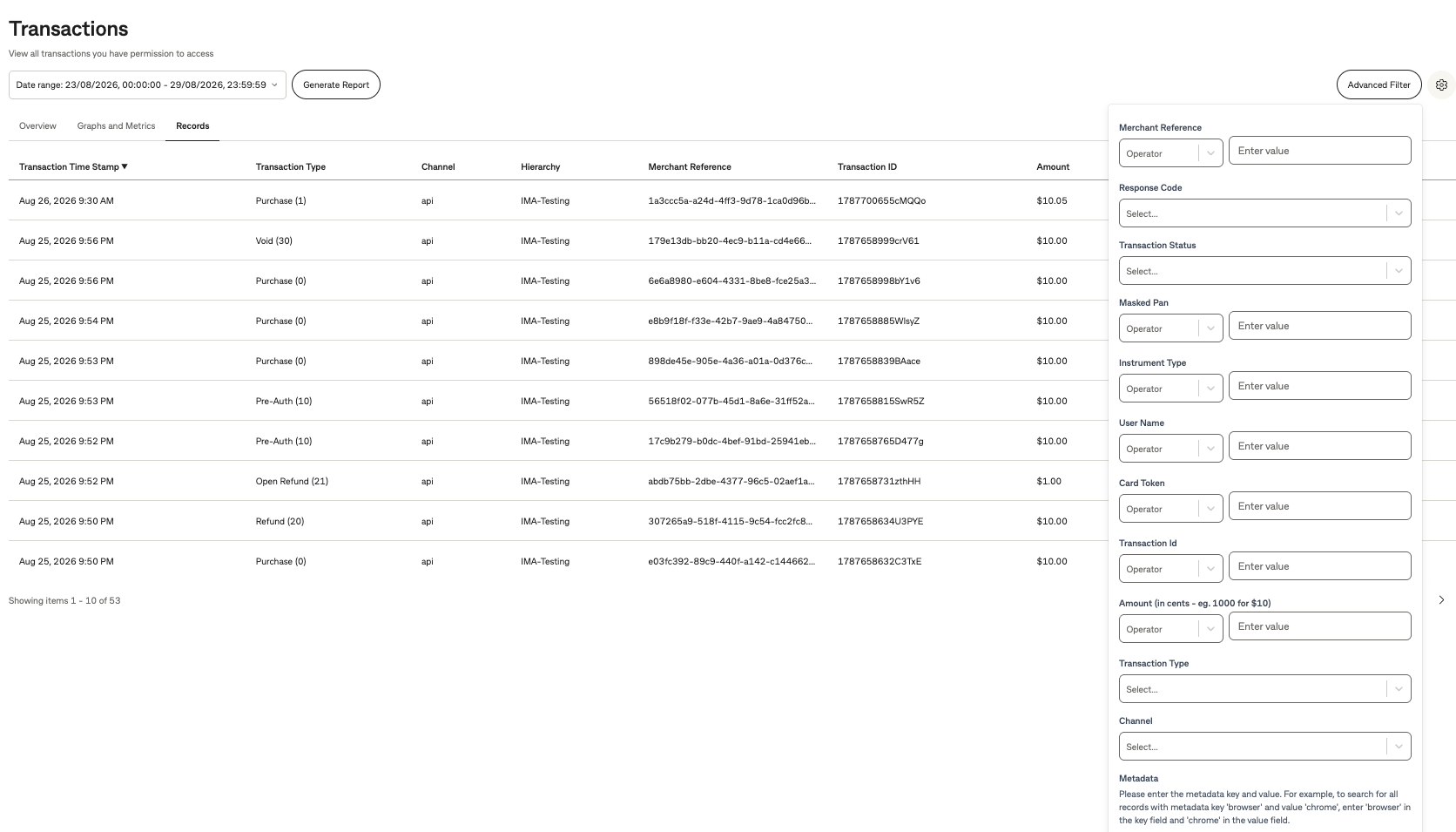
The filtered results will be displayed in the Records list.
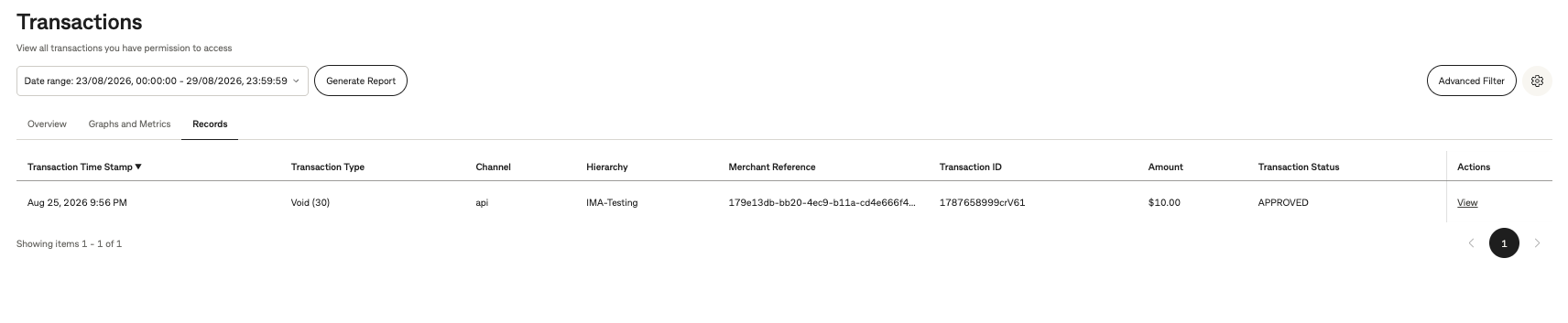
To see more information about the transaction, click on "View" from the actions column.

Information for that transaction will be displayed.